
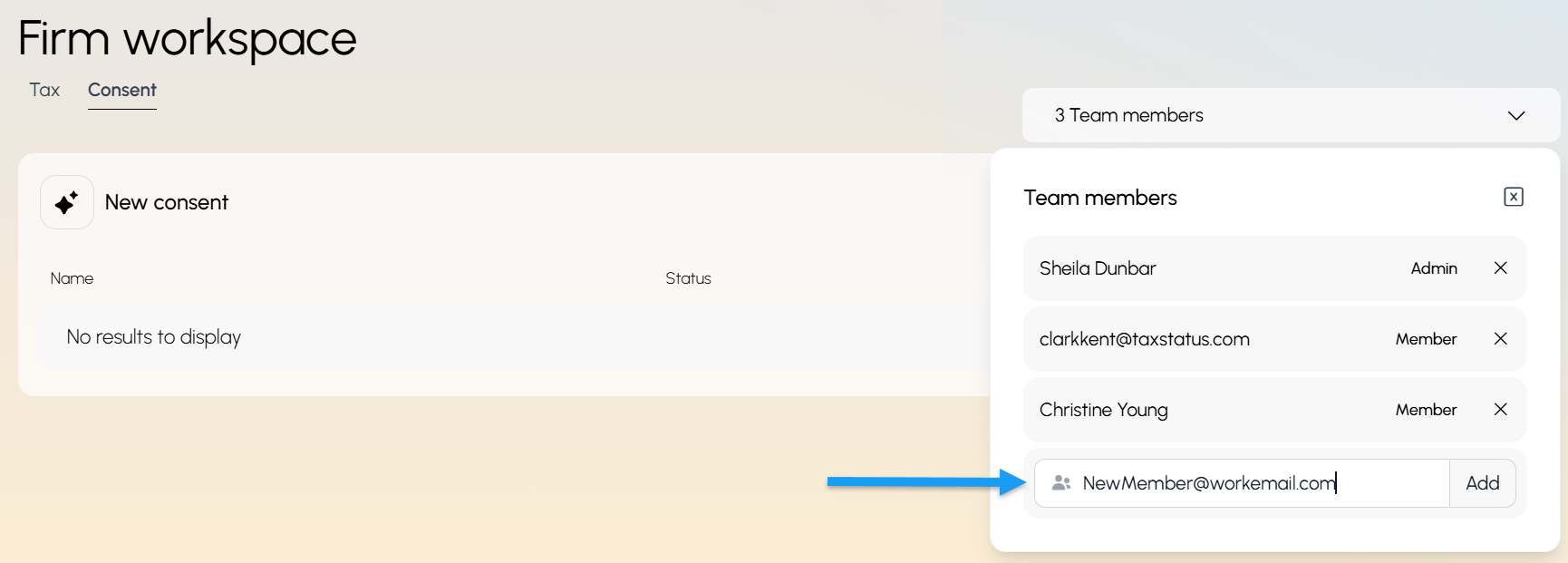
Use the dropdown menu on the right of your workspace.
Type in your colleague's work email address and click "Add".
Tell your team members to log in at secure.taxstatus.com, and the system will change their profile to their first and last name.
If they are set as an Admin, they can add/remove team members from this workspace.
Note: All team members have access to view the Firm Workspace and all client accounts in that workspace. If someone needs their clients kept separate, they can create their own Private Workspace.